Importing your contacts into SendOnyx is a streamlined process designed to get you up and running in minutes while protecting your sender reputation.
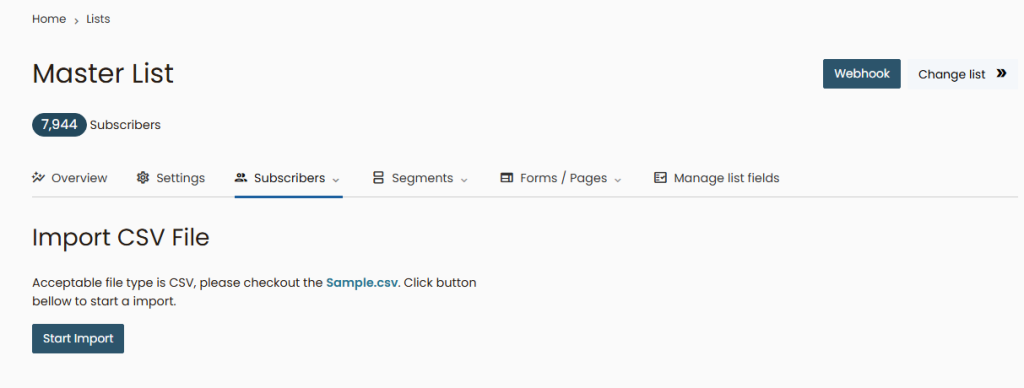
How to Import:
- Navigate to the Lists section and select the list you want to update.
- Click the Import button and upload your list in CSV format.
- Map your fields: Align the columns from your file with Onyx fields (e.g., Email, Name, Custom Tags).
- Run the Import: Click “Start Import” and watch the progress bar.
Important: Every import is automatically cross-referenced with your Customer Centric Blacklist. As well as our Global blacklist. If your file contains emails that have previously bounced or unsubscribed, the system will skip them automatically to keep your account health at 100%.