At SendOnyx, we believe you should always own your data. Our Export feature allows you to download your lists at any time for backups, offline analysis, or reporting.
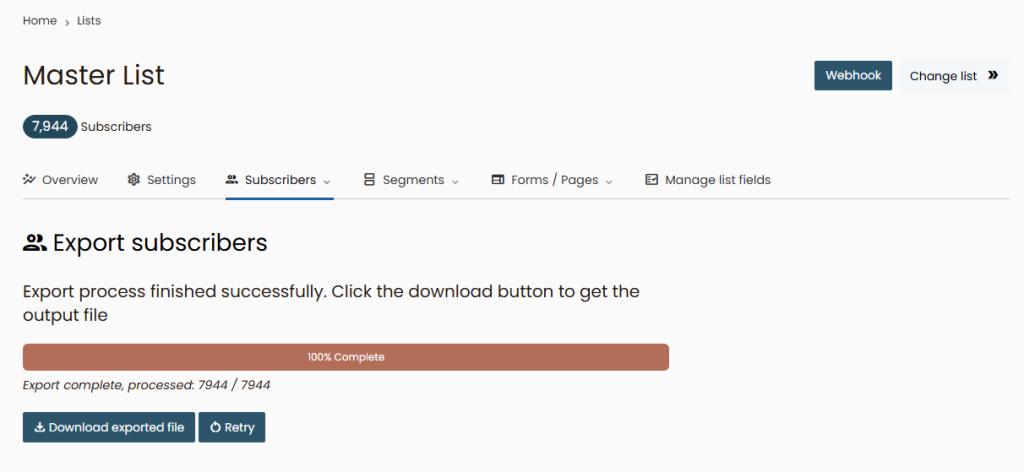
How to Export:
- Open the specific list you wish to download.
- Select the Export option from the menu.
- Choose your format (standard CSV is used by default).
- Once the system processes the request, a download link will be generated for you to save the file to your device.
Note: The export will include all active subscribers along with their tags and signup dates. If you only need to export a specific group (e.g., only those who clicked a link), create a Segment first, and then run the export from within that segment.